Your folder is the library
Put handpicked photos in one link-shared Drive folder, or a private Cloudflare R2 bucket. Each is analysed once and remembered by its file ID, and a near-identical copy waits 30 days.
Drop your handpicked photos in a Google Drive folder or a Cloudflare R2 bucket. Every evening instaPostsForge has its AI agents (Claude, OpenAI, Gemini or Ollama Cloud) choose one, write its caption and hashtags, and post it to Instagram. Plain code checks every word, and every token is accounted for.
Runs free on GitHub Actions in a public repo · Python 3.10+ · official Instagram API, no password
You come back from a walk with forty frames and three keepers. Then the keepers sit in a folder, because posting well every day is its own job: pick one, don't repeat last week, write something true, choose the hashtags, remember to do it at all.
instaPostsForge does that job the way you would at a contact sheet. It looks at every frame in your photo folder once, circles the one for today, and writes the caption. It runs on GitHub Actions, so no server and no laptop need to stay on.
Prefer your phone? Postaday is its Android sibling and runs the same workflow with your own keys.
The Daily post workflow starts at 13:30 UTC (7:00 pm IST) once the AUTO_POST variable is on. Change the time in one cron line. The minutes below are typical, not fixed.
Reads reach, likes, comments, saves and shares for the last 30 days of posts.
New photos in the folder are described once. The planner picks today's photo, or a set of 2 to 5 from one outing.
A short caption, 3 to 5 hashtags, then a reviewer that can send back only the part it faults.
A 1080-wide JPEG is staged on the repo's media branch for about a minute, published through the official API, then deleted.
The post is committed to state/ so it never goes out twice, and the run's token audit report is saved.
Put handpicked photos in one link-shared Drive folder, or a private Cloudflare R2 bucket. Each is analysed once and remembered by its file ID, and a near-identical copy waits 30 days.
Run it by hand in four modes: check the keys and folder, plan the next 7 days with reasons, preview the exact image and caption, or post. The schedule waits until you turn on AUTO_POST.
Code finds photos from one outing or place. The planner decides whether a set beats any single photo. Every photo in a set has the same shape, so none gets a border.
Captions stay under 150 characters, follow a playbook for each category and mood, and speak of deities and festivals as devotees do, ending with a greeting instead of a question.
Every AI call is logged with its tokens and estimated cost, and each run saves a token audit report you can download from the run page.
Keys, tokens and even the folder link live in GitHub secrets. The repo only names them. The Instagram token renews itself every month.
The AI decides what to post and what to say. Plain code does everything with a side effect (fetching, image preparation, hosting, publishing, records) and validates every answer before it can reach Instagram. Every agent runs on Claude Haiku 5.5 by default, or on OpenAI, Gemini or Ollama Cloud by setting one variable, with AI_MODEL to pick another model.
Describes each new photo once: category, mood, main subject, quality from 1 to 10, anything unsafe.
Picks today's photo or set, balancing strong photos with variety and what has performed well.
No explicit photos, screenshots or children. No near-duplicates, no subject twice in 3 days, no mood more than twice a week.
Writes the caption, a quote when one fits, and alt text. Code holds the text to 150 characters.
Chooses 3 to 5 specific tags, rotating away from recent sets.
Approves, or sends back only the part it faults, up to two times.
At most 5 hashtags and 2,200 characters, JPEG, 4:5 to 1.91:1. A false claim or a doubtful quote author skips the day.
Prompt chaining with gates and an evaluator-optimizer review loop. The model gets no tools and chooses no steps.
If the planner fails, a random eligible photo is used. If the review still finds a real problem, the day is skipped. A broken post never goes out.
A photo is recorded only after Instagram returns a media ID, keyed by a hash of its file ID, together with every photo of a set.
Every AI call is written to state/<profile>/usage/ as it happens, whether it succeeds or fails, with its model, input, output and cache tokens, time taken and estimated cost.
After every post, preview or plan run, scheduled or manual, the workflow saves a token audit report as a run artifact, kept for 90 days. It shows:
forge usage -p main totals any month from the command line.
| Phase | Calls | Input | Output | Est. USD |
|---|---|---|---|---|
| Photo scanninganalyst | 1 | 1,840 | 410 | $0.0004 |
| Choosing the photoplanner | 1 | 3,200 | 520 | $0.0006 |
| Caption, quote and alt textcaption_writer | 2 | 4,100 | 980 | $0.0009 |
| Hashtagshashtags | 1 | 1,150 | 160 | $0.0002 |
| Reviewreviewer | 1 | 2,600 | 300 | $0.0004 |
| Total | 6 | 12,890 | 2,370 | $0.0025 |
Every post is laid out in a designed style. By default the AI picks the style that suits each day's photos; you can also pick a style, a mood and a genre when you run the workflow, or post the photo plain. Code lays the post out from templates, the AI chooses the photos and writes the few words on the image, and those words go through the same checks as the caption. The photos themselves are never redrawn by an image model. Every slide is 1080×1350.
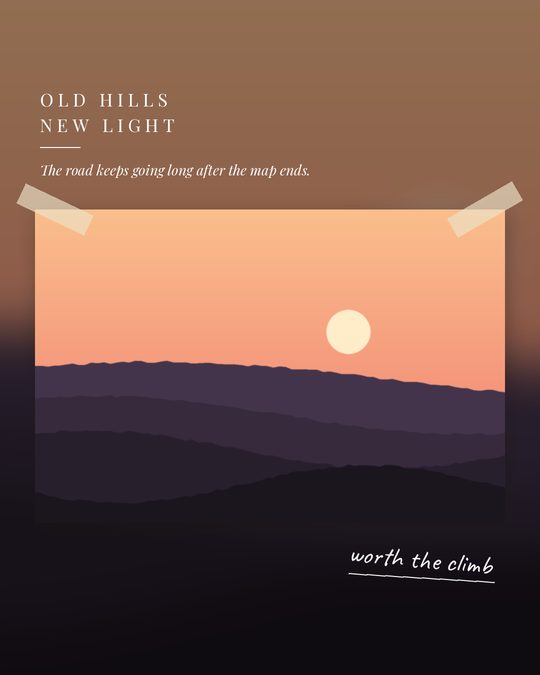
The photo as a large print on paper, with a title in spaced capitals, a quiet line and a handwritten note. The layout follows the photo's shape, and each post gets its own finish (border, tape, a slight tilt) and paper tone, so no two look alike.
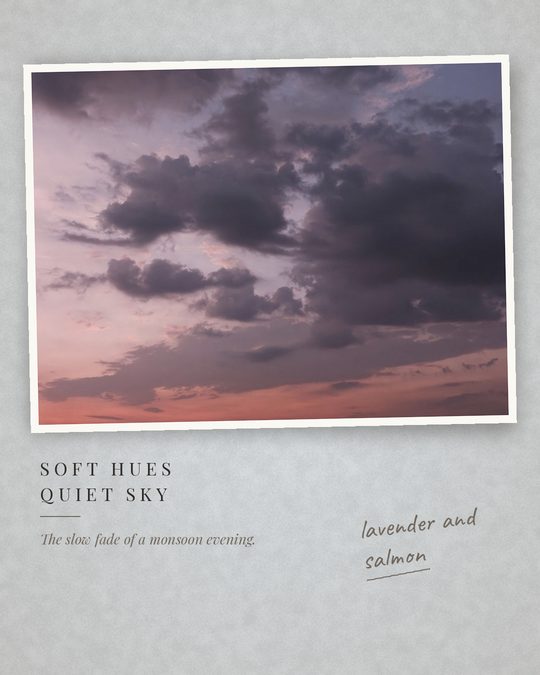
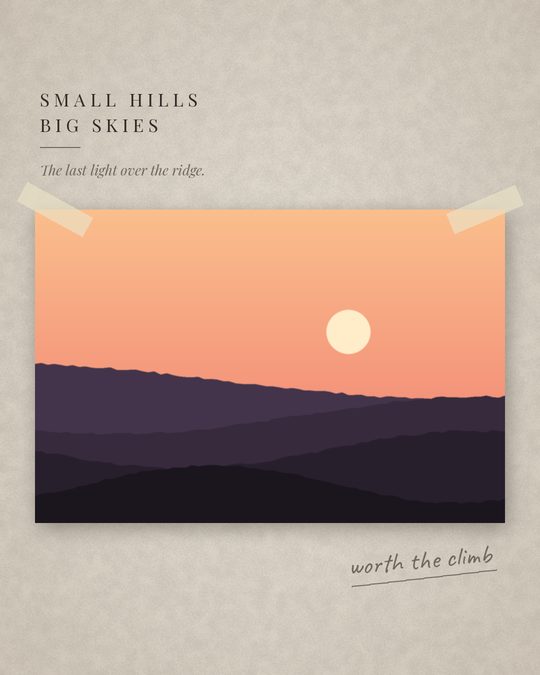
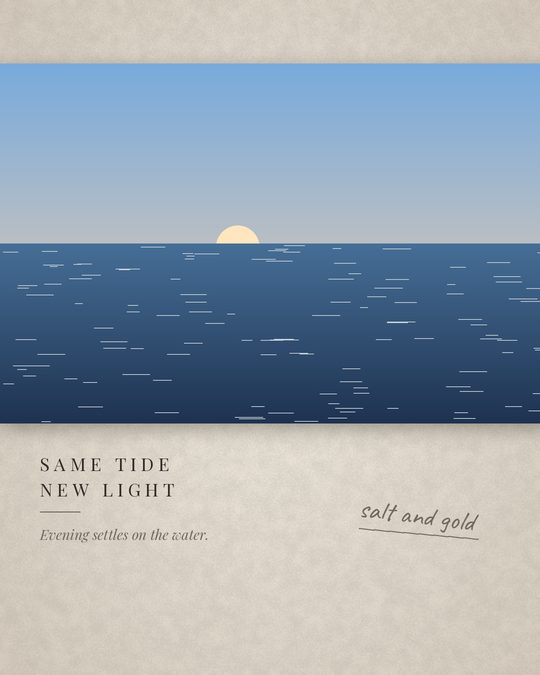
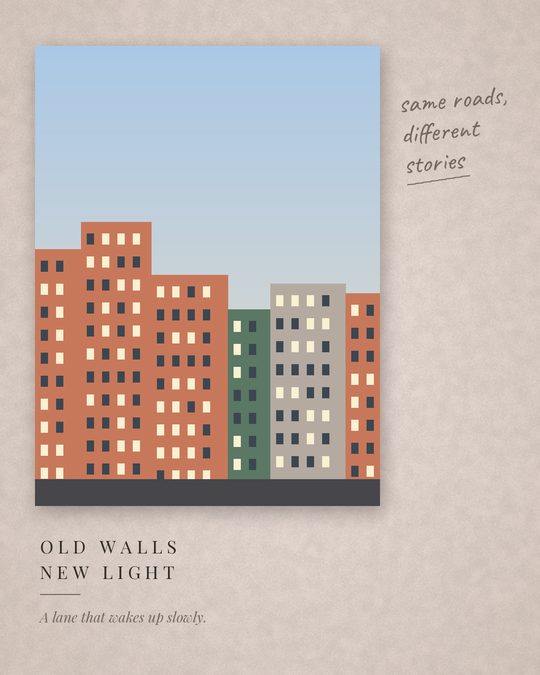
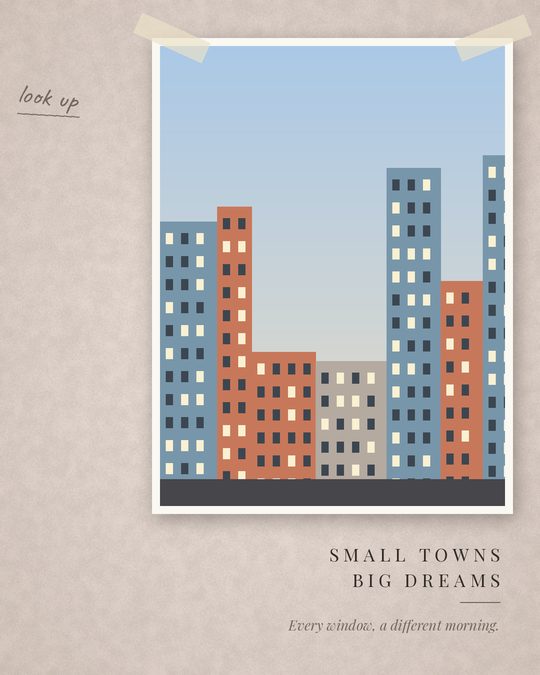
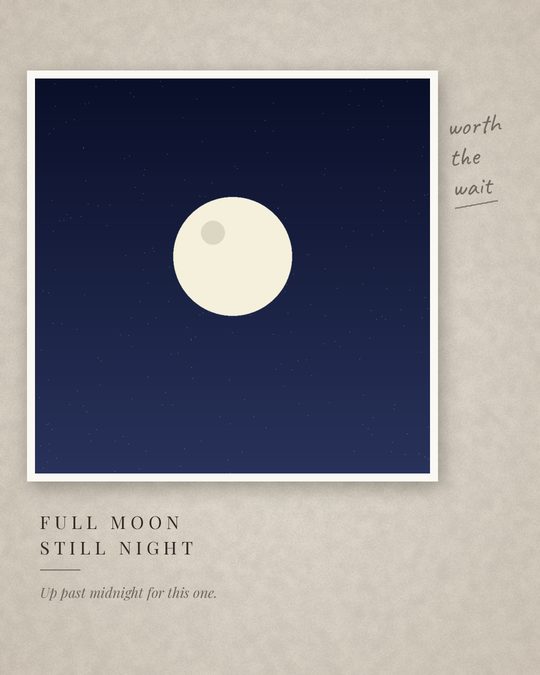
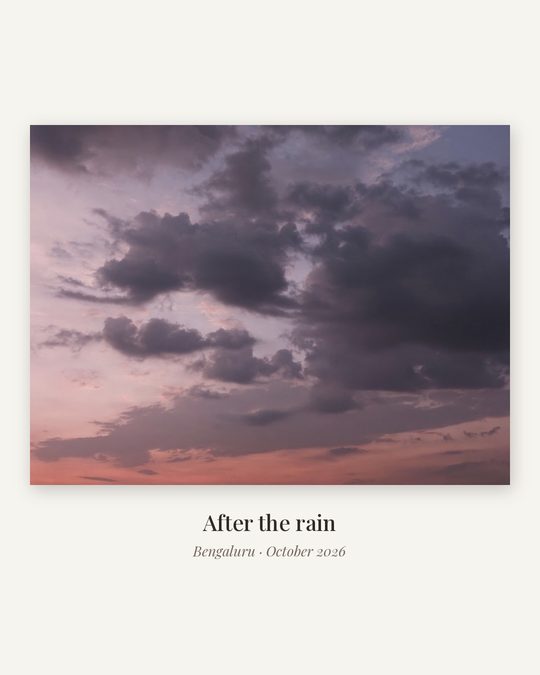
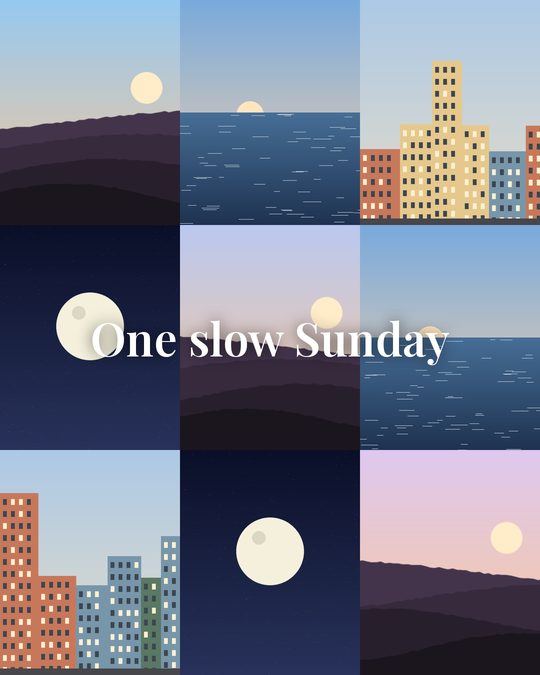
A gallery frame gives one photo a museum-style label with its place and month. A grid tiles 2 to 9 photos from one outing, then shows each on its own slide. A story opens on the cover with a title and closes with a line on paper.
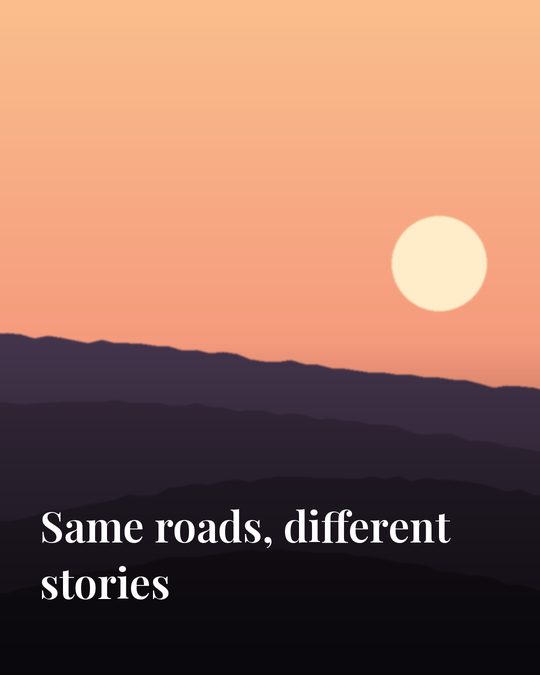
A wide photo cut into 2 or 3 slides that join up as you swipe.
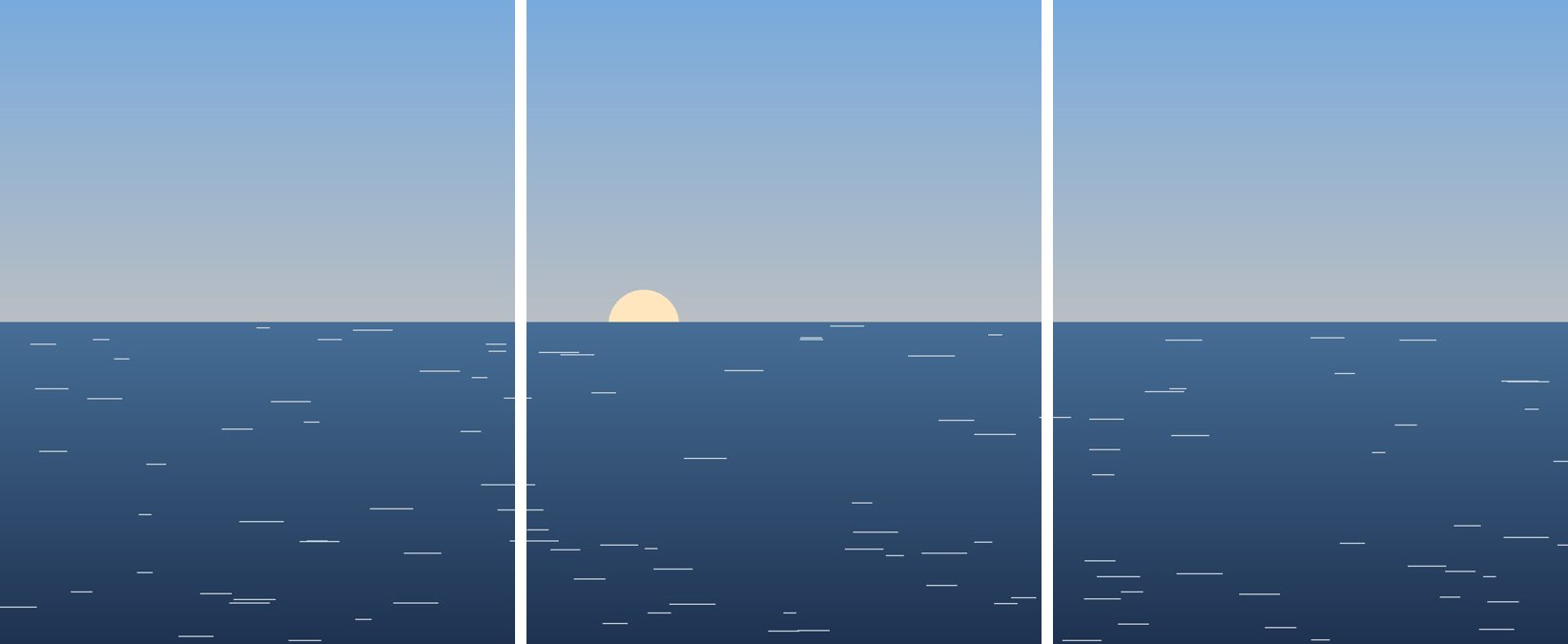
Behind a poster or gallery print, code draws a background from the photo's own colours: tinted paper, a blurred copy of the photo, a row of colour swatches, two tones, a soft sun, or kraft, linen, slate or night-navy paper. Text colour is checked for contrast, and flag or party colours never appear side by side.
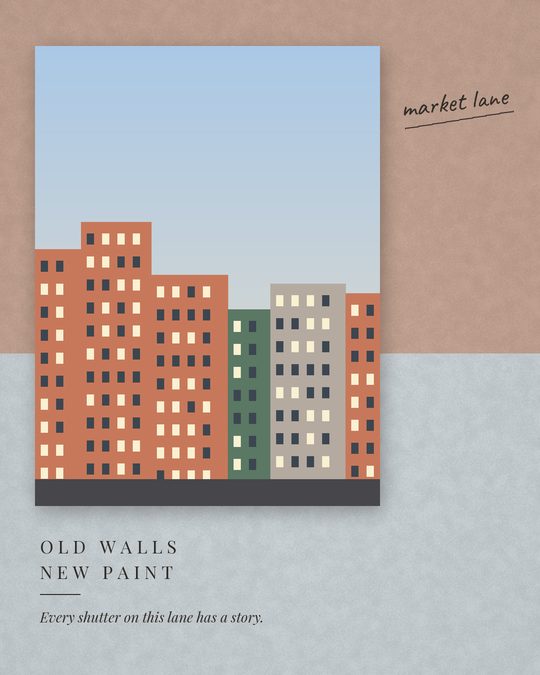
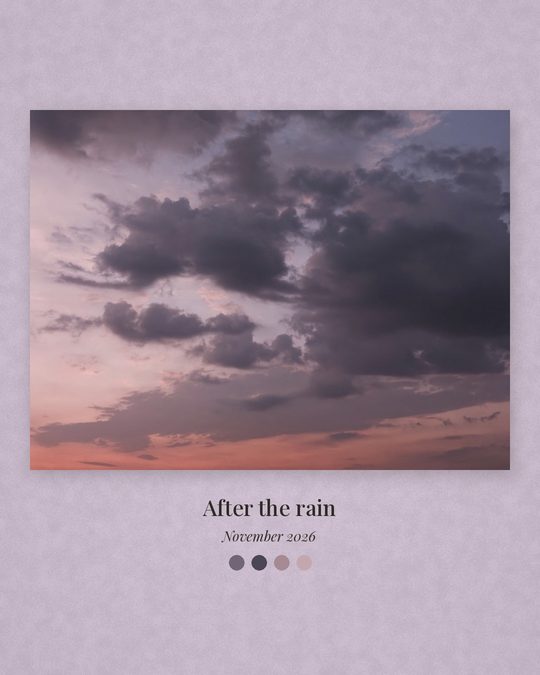
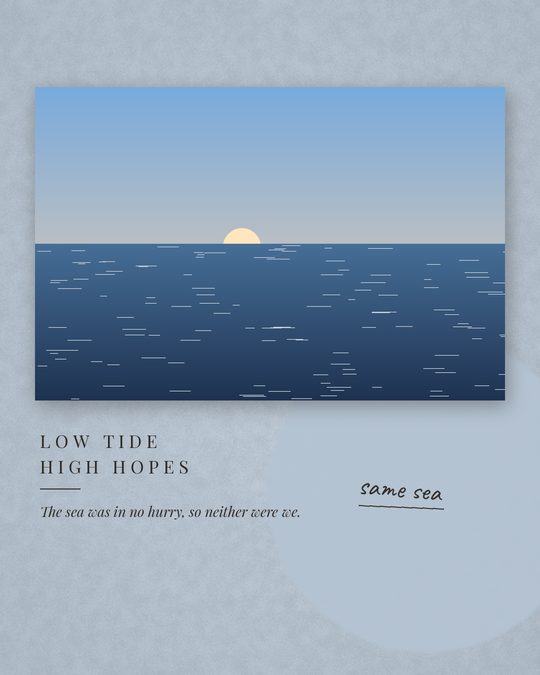
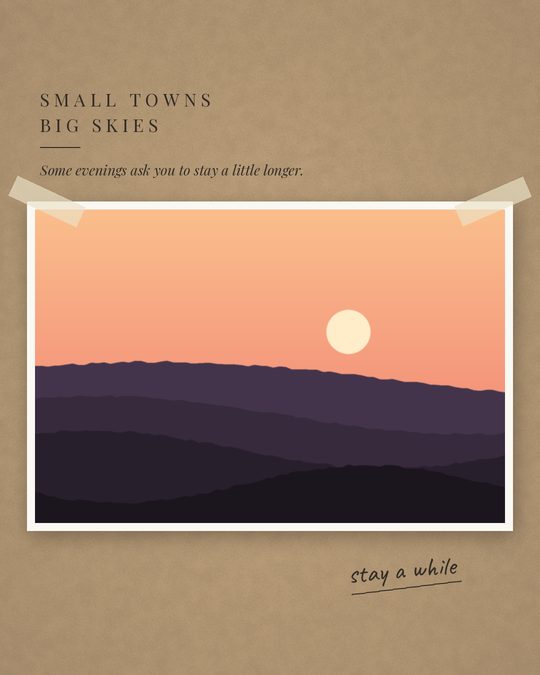
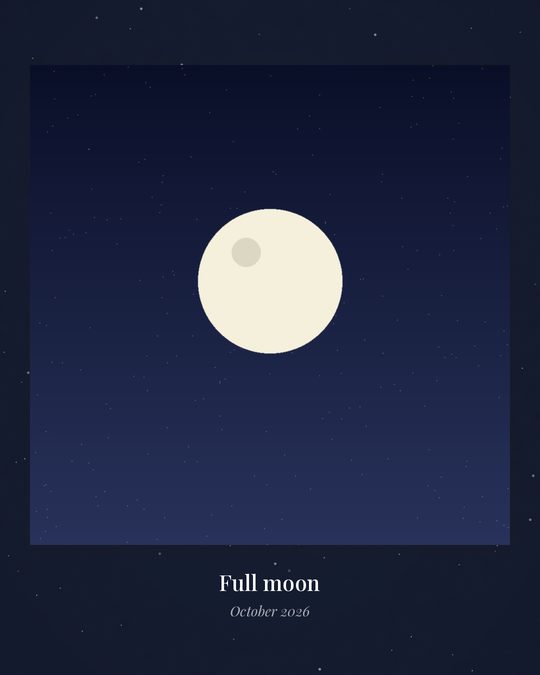
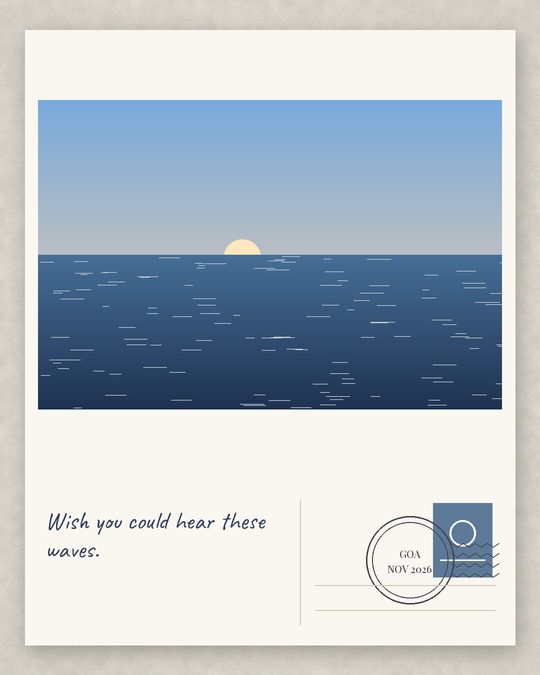
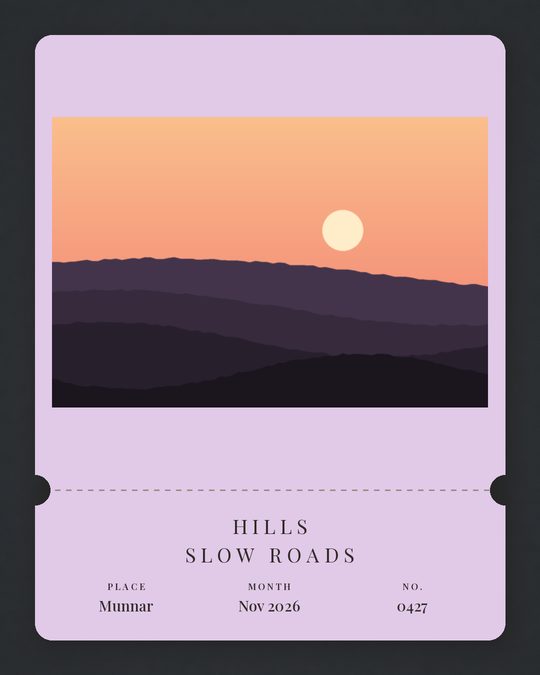
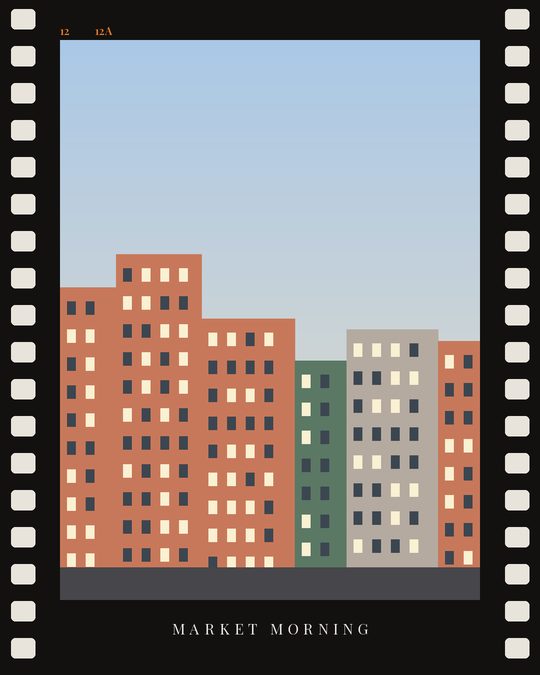
A gallery post can take a frame that suits its kind of photo: a postcard with a postmark for travel, a ticket stub, a film strip for street and night, a magazine page, instant prints for a small set, or a soft festive border for devotional photos. The place and month come from code, and no frame copies a real brand, ticket or stamp.
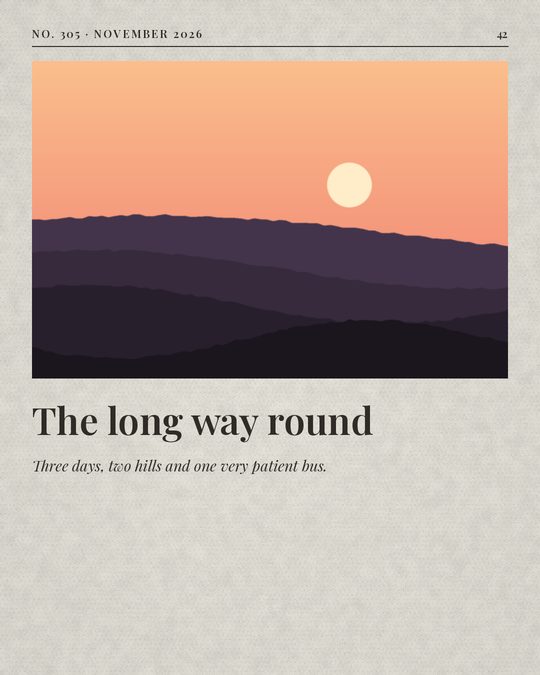
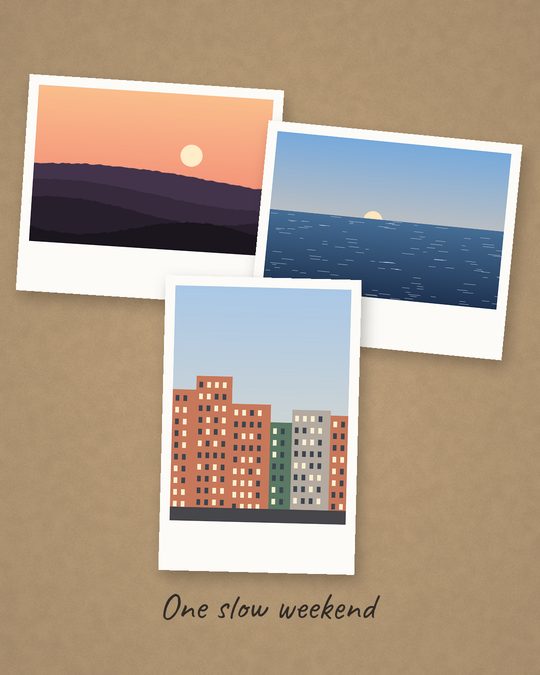
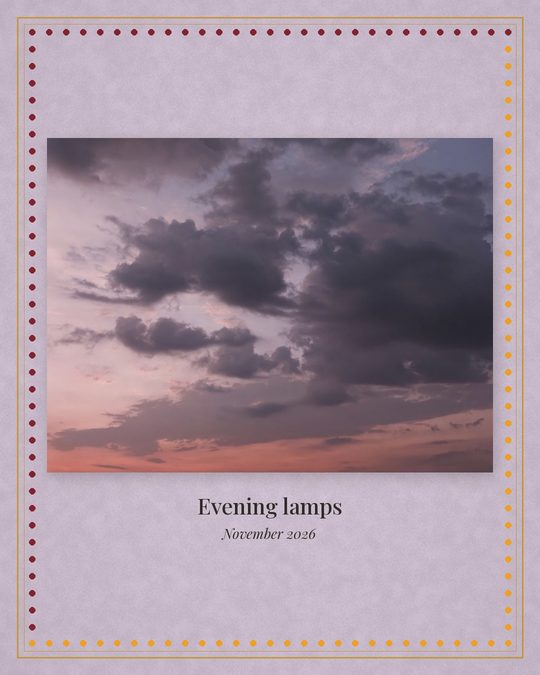
A notes post shows the photo exactly as shot, then the same photo with a hand-drawn layer: short notes with arrows, doodles in plain sky, a star map joining bright points, an old film date stamp, viewfinder marks, rule-of-thirds lines, a tape label or a magazine cover. The AI only names what is in the photo and writes the few notes; code places every mark clear of the subject, never on a person, and never on a devotional photo.
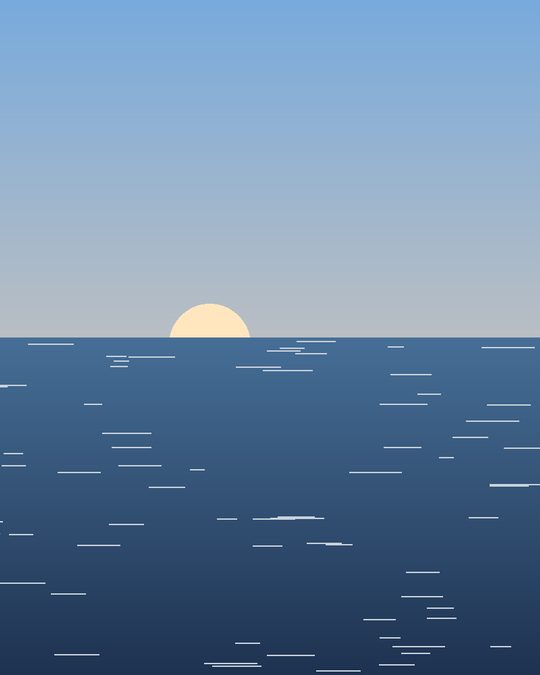
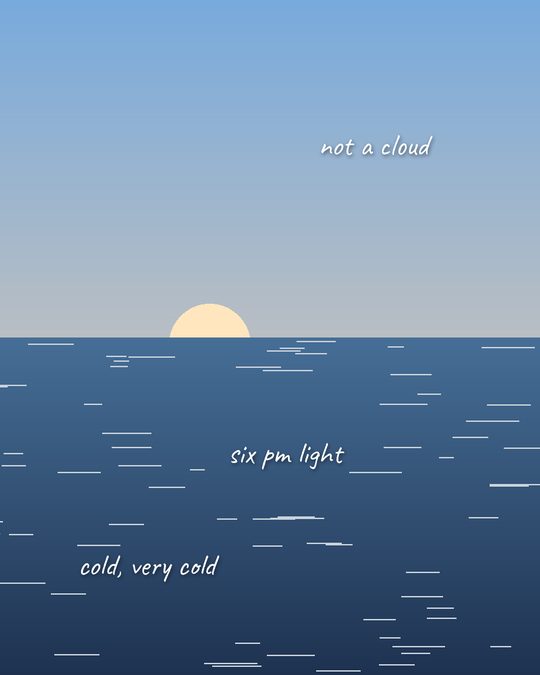
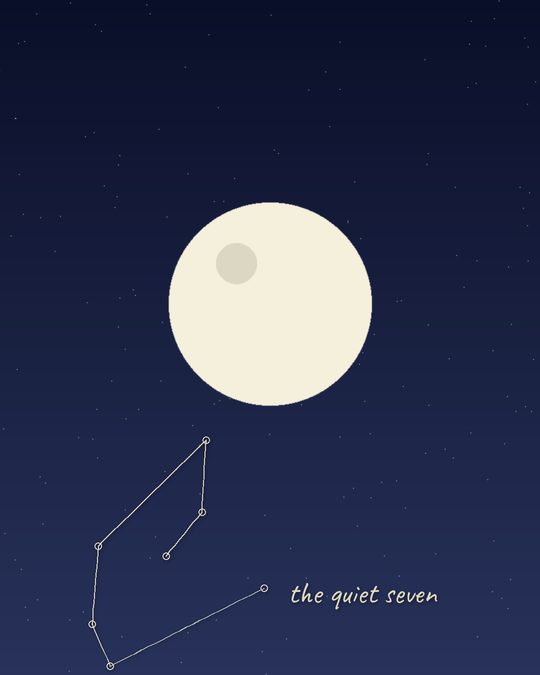
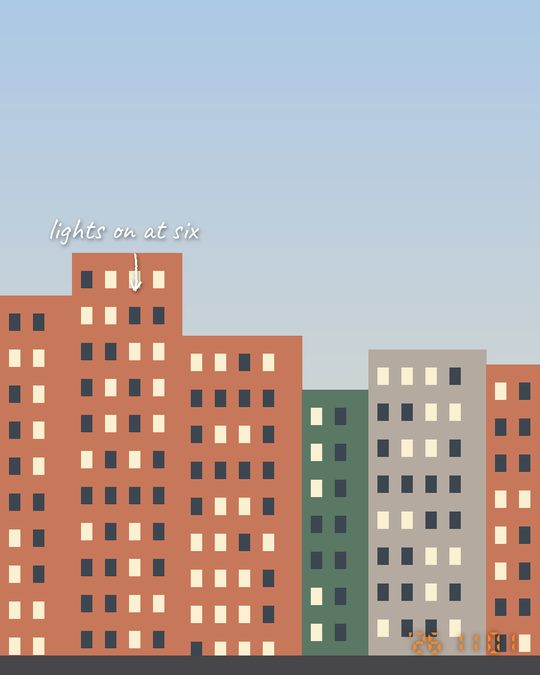
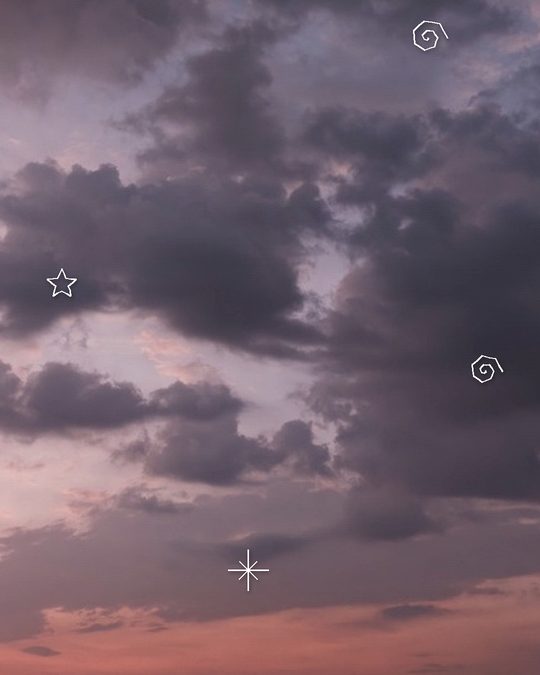
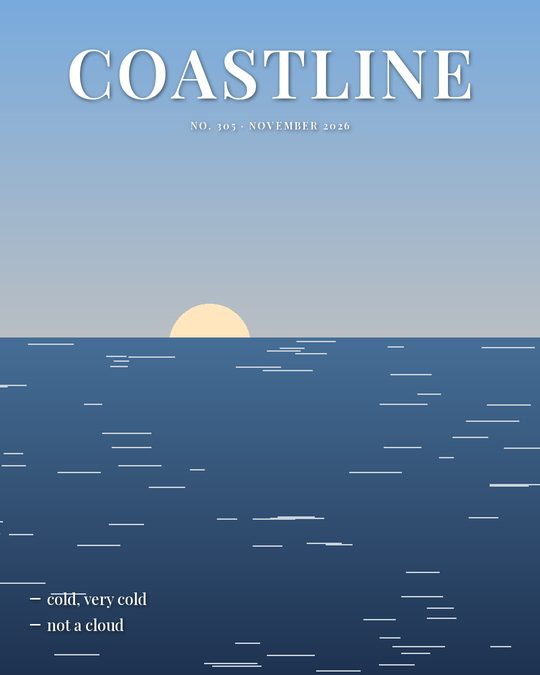
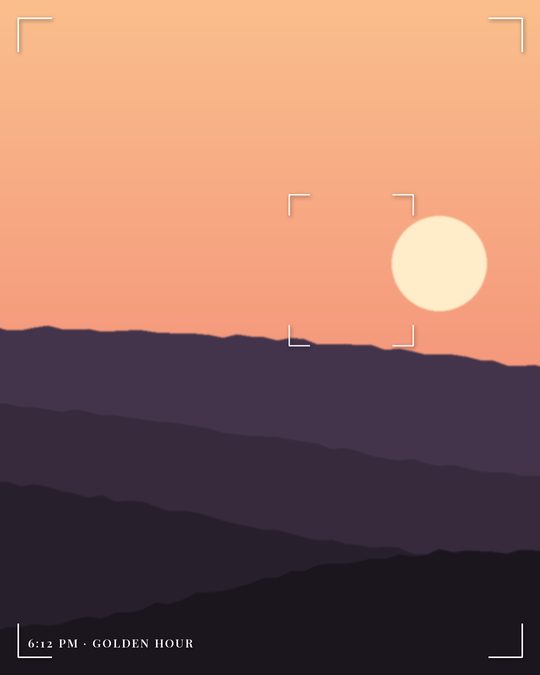
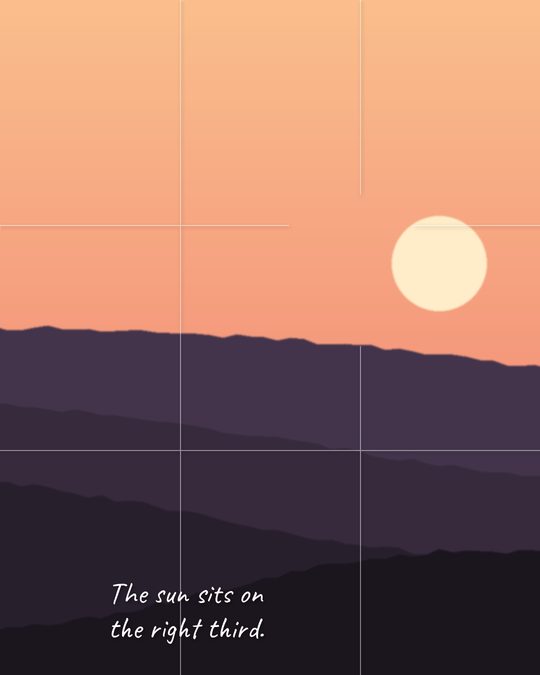
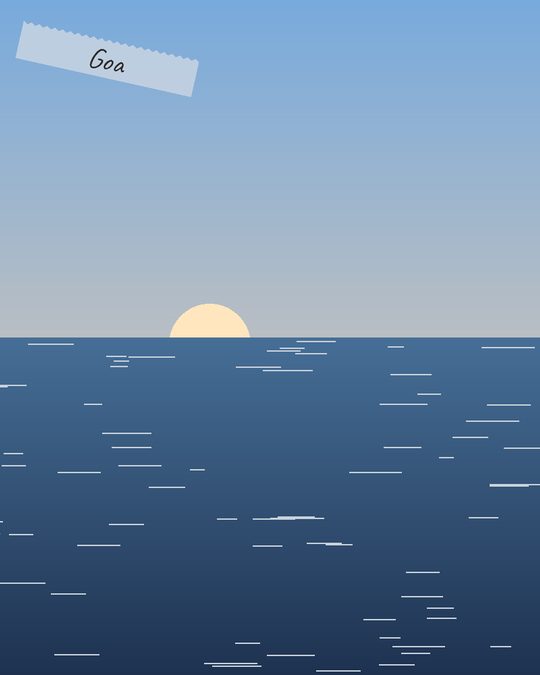
The sky is from the author's account; the other scenes are placeholders drawn for these examples. The AI avoids repeating the last post's style, and code never repeats the last post's look.
Official API only. It uses an access token you create and can revoke. It never asks for your Instagram password.
Only in GitHub secrets. Keys, tokens, the Drive folder link and the R2 bucket name are passed only to the step that runs forge, never to installs or third-party actions.
No EXIF, no GPS. Published JPEGs carry only the colour profile. GPS is compared in memory to group outings and never saved. Photos are recorded by a one-way hash of their file ID.
Rules in code. Explicit photos, screenshots, photos with children and photos about politics or conflict are skipped. Addresses and number plates stay out of the text, and every caption, hashtag and word on the image is checked against a list of blocked topics: politics, caste, religious debate, war and sexual content.